
Average time calculator
This time average calculator finds the average of lap times, race results, work hours or times of day in hours, minutes and seconds. Lists that cross midnight are handled correctly.

 By Michael O'Brien · Reviewed by Paul Lewis✓ Fact-checked
How to use the average time calculator
- 1Pick the type of time
Use Durations for lap times, race results or hours worked. Use Clock times for times of day, such as when you went to bed.
- 2Enter your times
Put one time per line, or separate them with commas. Formats like 1:25:30, 7:42, 1h 25m and 10:45 PM all work.
- 3Check how 1:30 is read
For durations, choose whether a two-part time means minutes and seconds or hours and minutes.
- 4Press Calculate
You get the average time, the total, the fastest and slowest times, and each step of the conversion.
Step-by-step solution
What is the average time?
An average time is the typical length of something you timed more than once, such as a mile, a lap, a shift or a phone call. It is the total time divided by the number of times you measured. You will also see it called the mean time or the average duration.
The math is the same as any average. What makes it awkward is that time is counted in 60s, not 10s, so you cannot add 7:42 and 7:55 like normal decimals. Convert to seconds first and the problem goes away.
How to calculate average time
The average time formula is:
average time = total time / number of times
- Convert every time to seconds. 7:42 is 7 × 60 + 42 = 462 seconds.
- Add the seconds together.
- Divide by how many times you have.
- Convert the answer back to minutes and seconds (or hours, minutes and seconds).
Example: average lap time
A runner does five laps in 7:42, 7:55, 8:10, 7:38 and 8:03.
- In seconds: 462, 475, 490, 458 and 483
- Total: 2,368 seconds
- Average: 2,368 / 5 = 473.6 seconds
- 473.6 seconds = 7 minutes and 53.6 seconds, or 7:54 rounded
Click “Running laps” in the calculator to see this worked out, including how far each lap was from the average.
Why you cannot average times as decimals
It is tempting to treat 1:50 as 1.50 and 2:10 as 2.10. The average of those decimals is 1.80, which reads as 1 minute 80 seconds, a time that does not exist. The real average of 1:50 and 2:10 is 2:00.
The error comes from mixing base 10 with base 60. Converting to seconds, or to decimal minutes such as 1.833 for 1:50, keeps everything in one unit and gives the right answer.
Average of clock times and midnight
Averaging times of day works the same way until a list crosses midnight. Take five bedtimes: 10:45 PM, 11:30 PM, 12:15 AM, 11:50 PM and 1:05 AM.
Read on a normal 24-hour clock, 12:15 AM and 1:05 AM count as the smallest times of the day, and the average comes out as 2:17 PM. That is clearly wrong. Counting the after-midnight times as 24:15 and 25:05 instead gives an average of 23:53, or 11:53 PM.
Switch the calculator to Clock times and it checks whether your list crosses midnight and adjusts for you. The result panel tells you when it has done this.
Average time in decimal hours or minutes
Timesheets and payroll tools often want hours as a decimal. Divide the minutes by 60 and add them to the hours: 8 hours 17 minutes is 8 + 17/60 = 8.28 hours.
For five shifts of 8:15, 7:45, 9:05, 8:30 and 7:50, the total is 41 hours 25 minutes and the average is 8:17, or 8.28 hours. The “Work hours” sample shows both. Set “Read 1:30 as” to hr:min for entries like these, since 8:15 means 8 hours 15 minutes, not 8 minutes.
Average time in Excel and Google Sheets
Enter the times in cells formatted as time, then use AVERAGE:
=AVERAGE(A2:A6)
Format the result cell as [h]:mm:ss or mm:ss. The square brackets stop Excel from resetting to zero after 24 hours, which matters for totals.
Watch out with lap times. Excel reads 7:42 as 7 hours 42 minutes, not 7 minutes 42 seconds. Type 0:07:42 instead, or paste your times into the calculator above, where you can choose how two-part times are read.
Why choose our average time calculator?
What you get with this free time average calculator:
- Paste a whole column of times at once. It reads 1:25:30, 7:42, 1h 25m, 90 min and 10:45 PM.
- You choose whether 1:30 means minutes and seconds or hours and minutes, so lap times and work hours both come out right.
- Clock times that cross midnight are detected and averaged correctly.
- Each time gets a bar showing how much faster or slower it was than the average.
- The steps show the conversion to seconds, the division and the conversion back.
- Free to use
- No sign-up
- Step-by-step working
- Handles midnight
- Works on mobile
Frequently asked questions
What is the average time formula?
Average time = total time / number of times. Work in seconds so the 60-based units do not cause mistakes, then convert the answer back to hours, minutes and seconds.
Is average time the same as mean time?
Yes. Both mean the total time divided by the number of times. The median time, the middle value after sorting, is a different measure. It can be the better figure when one time is far off, such as a lap where you stopped to tie a shoe.
How do you calculate average time?
Convert each time to seconds, add them, divide by the number of times, then convert back. 7:42 and 8:10 are 462 and 490 seconds, so the average is 952 / 2 = 476 seconds, or 7:56.
How do I find my average lap time?
Enter every lap time in minutes and seconds, such as 7:42, and keep “Read 1:30 as” set to min:sec. The calculator shows the average lap and your fastest and slowest laps.
How do you average hours and minutes?
Turn each entry into minutes, average them, then split the result back into hours and minutes. 8:15 and 7:45 are 495 and 465 minutes, which average to 480 minutes, or 8:00.
How do you average times that cross midnight?
Add 24 hours to the times after midnight before averaging, so 12:15 AM becomes 24:15. The Clock times tab does this for you.
Can I use seconds with decimals?
Yes. Enter times like 1:05.25 and set Decimals to 2 to keep hundredths of a second in the result.
How do I calculate average time in Excel?
Use =AVERAGE(range) on cells formatted as time, and format the answer as [h]:mm:ss. Type short times as 0:07:42 so Excel does not read them as hours.
Explore our other calculators



Our latest blogs
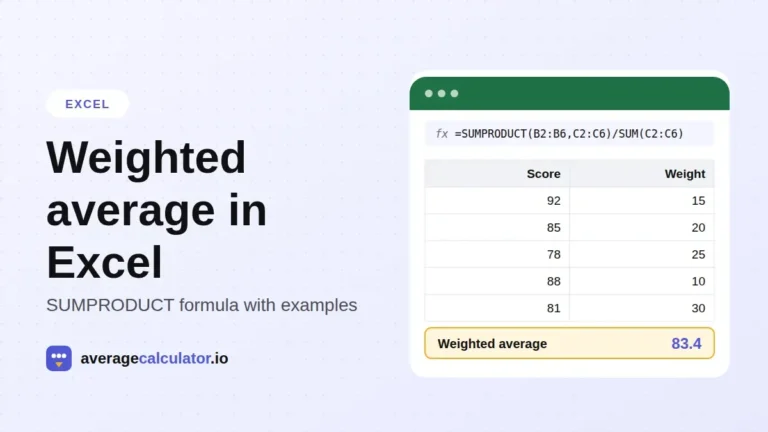
How to calculate a weighted average in Excel, with examples
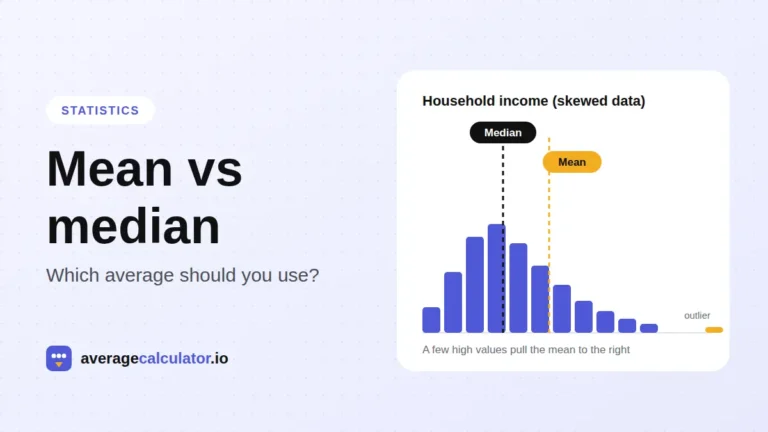
Mean vs median: which average should you use?
Who made this calculator
Spotted a mistake in this calculator? Tell us the numbers you used and what you expected, and we will check it.
Report an error